Decision 01
Closed for quick, open for everything.
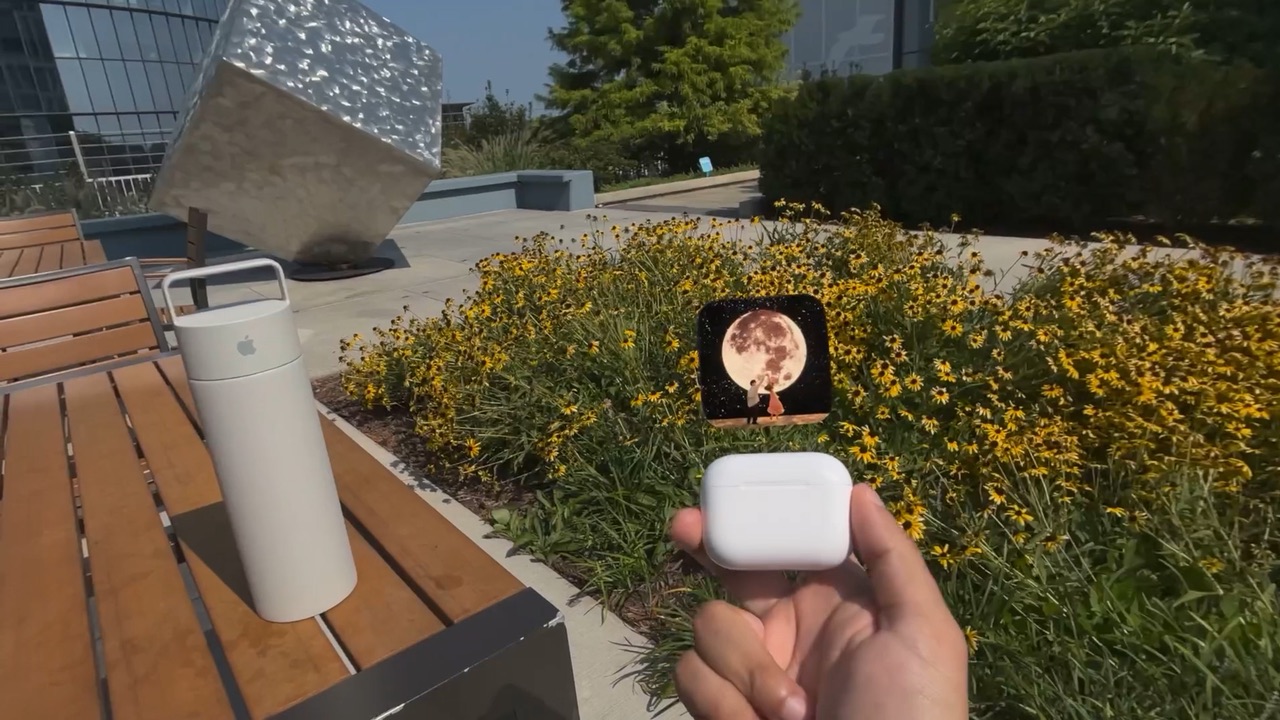
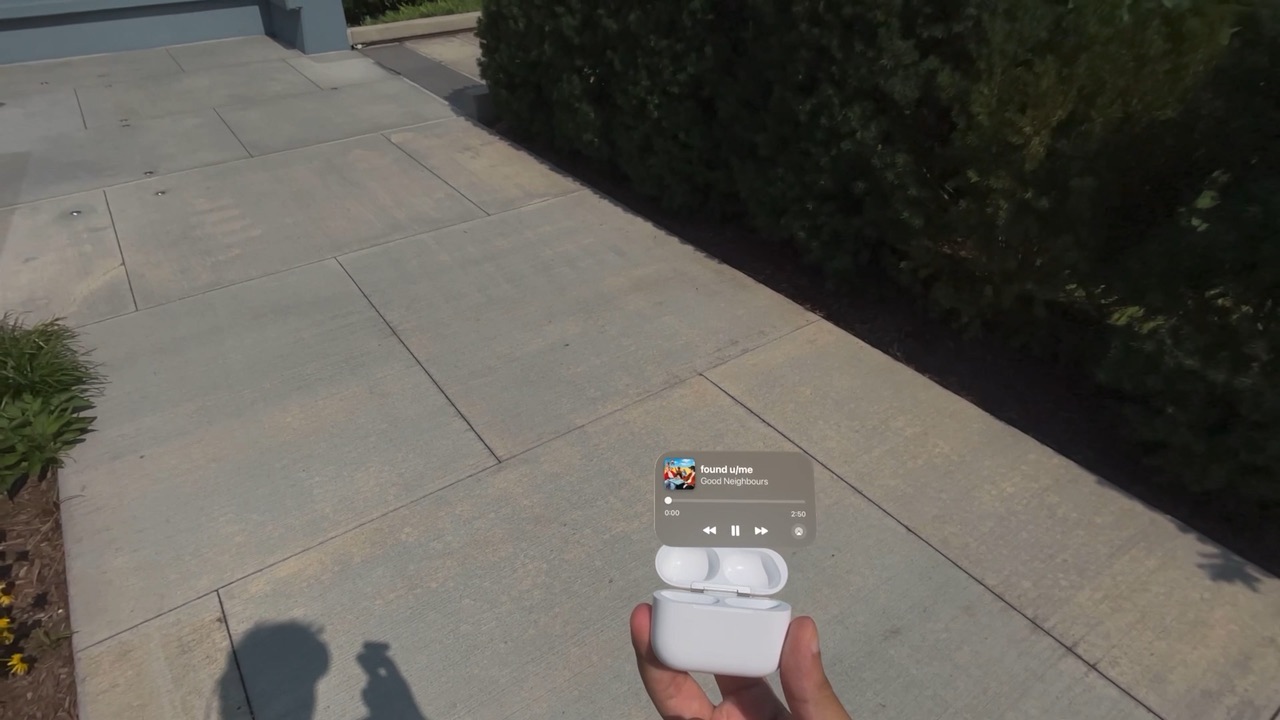
Most of the time you just want to see what’s playing or skip. The closed case does exactly that. Opening it is a natural “I want more,” so that’s when the full controls show up. I trained two reference objects, one open and one closed, so Vision Pro can tell them apart.
- Chose
- Two states for two jobs
- Over
- The same panel every time
Decision 02
Tilt forward and back, not side to side.
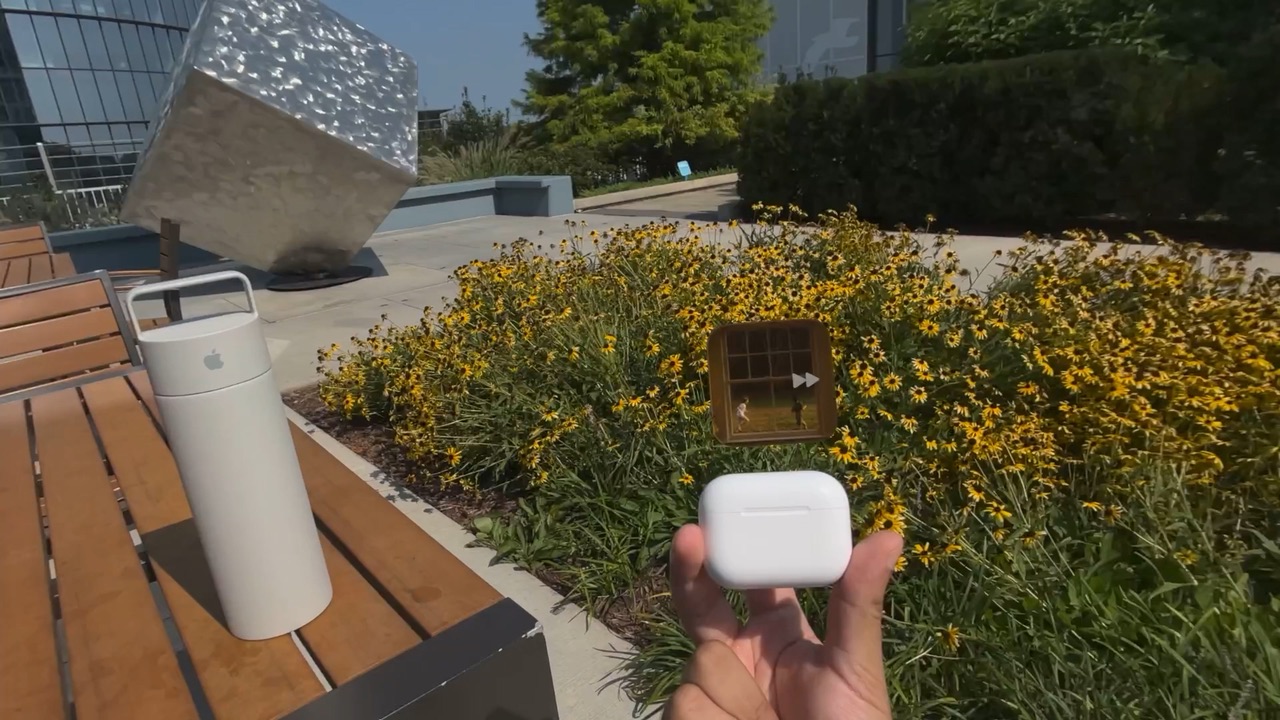
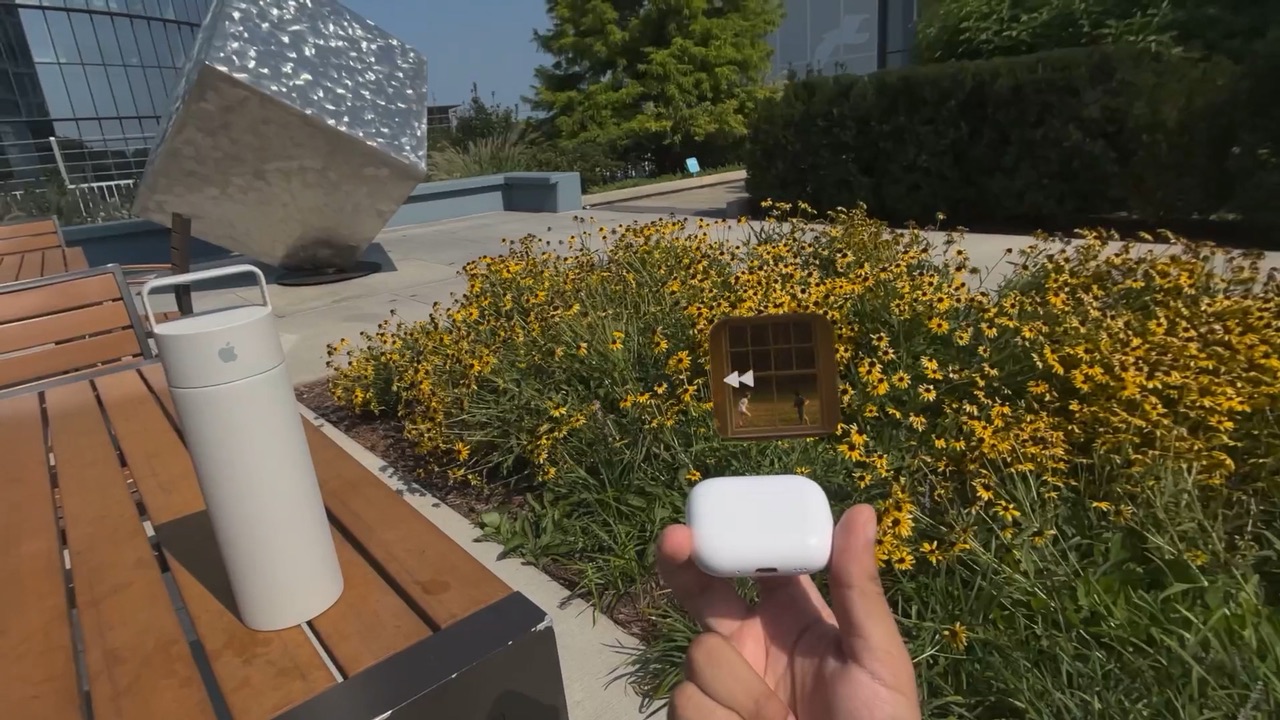
Left and right felt like the obvious gesture. But rolling the case sideways barely changes its outline from where you’re standing, so Vision Pro couldn’t reliably tell it had moved. Forward and back it reads every time.
- Chose
- Forward = next, back = previous
- Over
- Left and right
Decision 03
A small tilt is enough.
A skip fires at just 8 degrees, so a quick flick of the wrist does it. An arrow starts to appear on the album art before that, so you can see a skip coming. It won’t fire again until you bring the case back to level.
- Chose
- A small flick, with a preview
- Over
- A big, deliberate turn