
ShoePack
Track miles for running shoes. Keep count of every mile on every pair, and know when it’s time for a new one.
Download on the App Store ↗For iPhone
Swipe for more
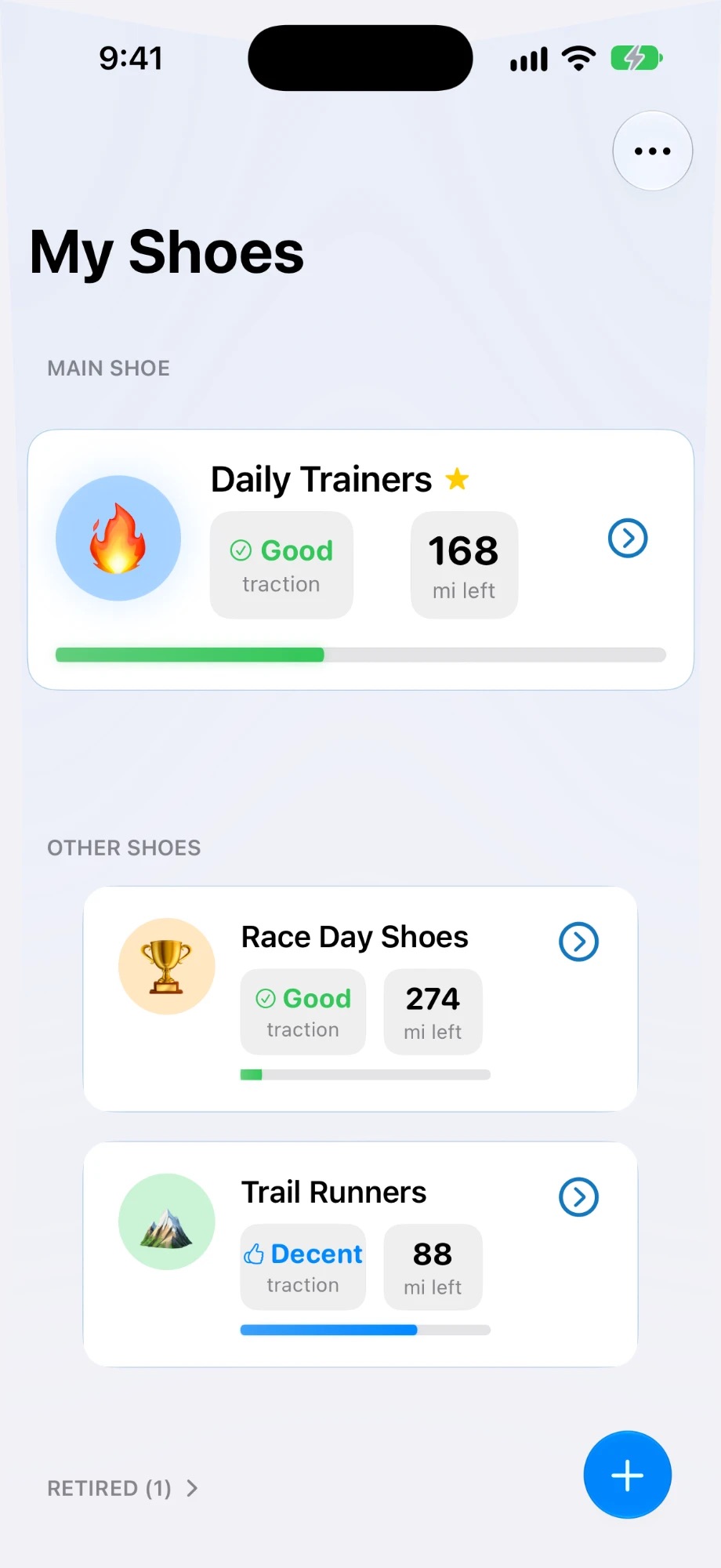
Track your shoes
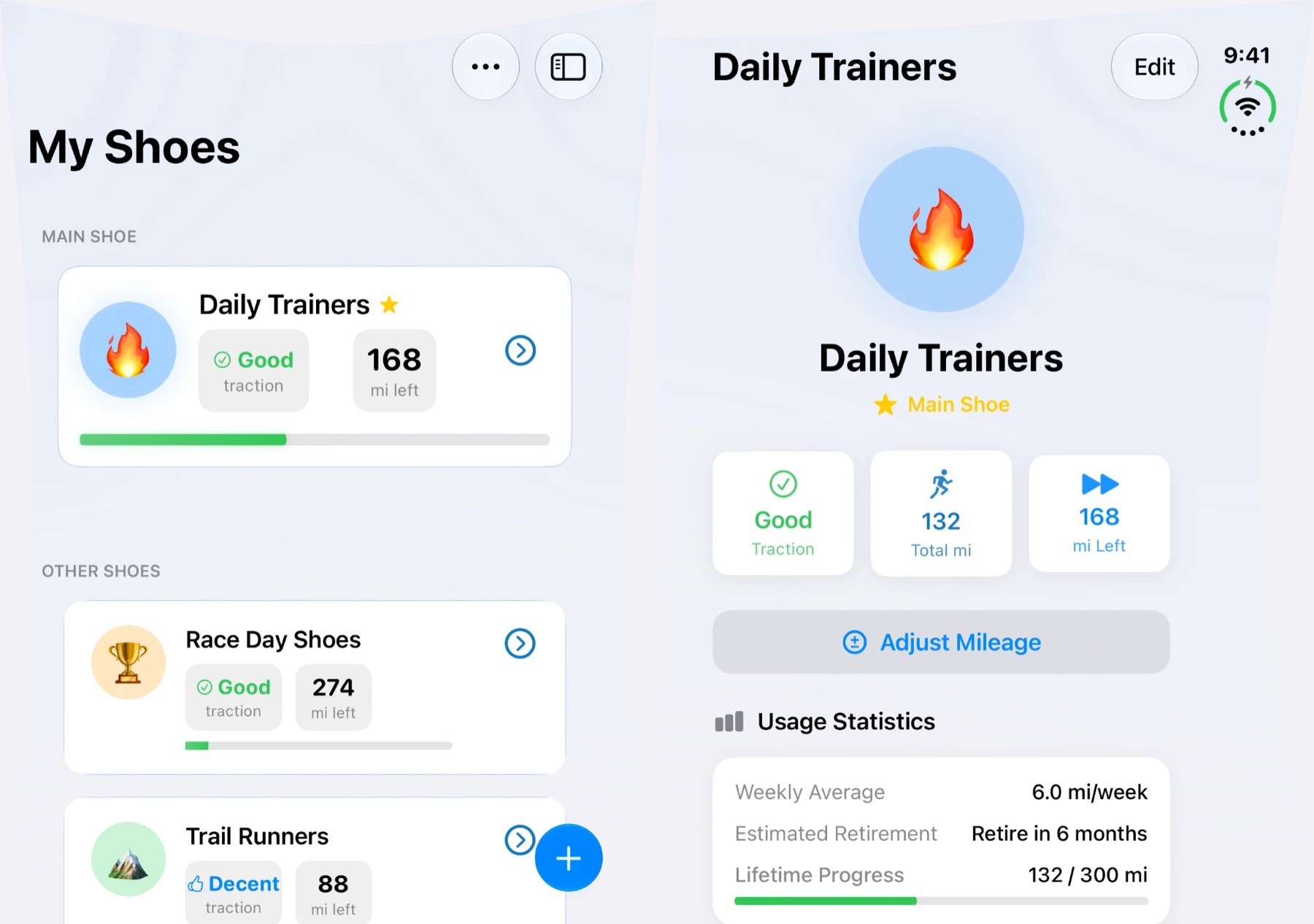
See how much life your shoes have left.
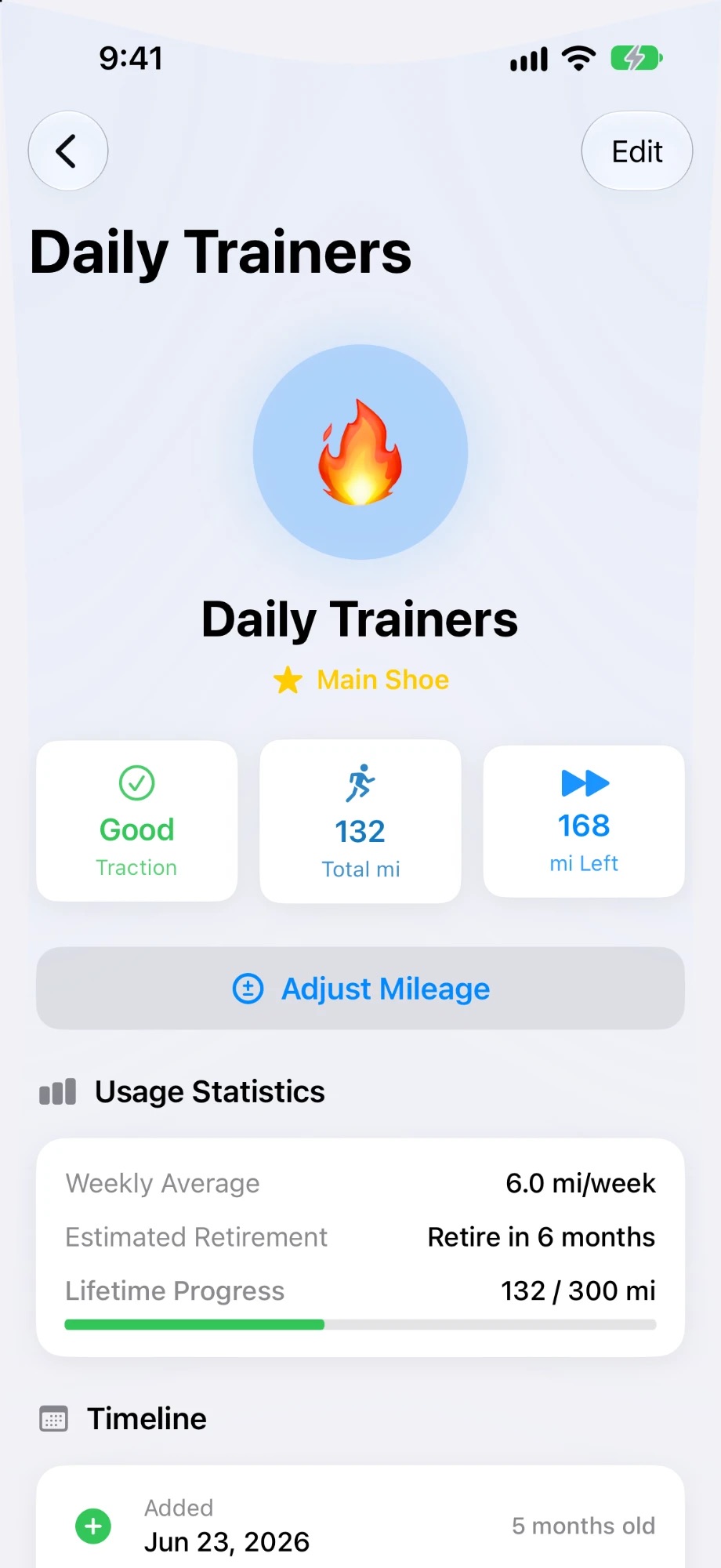
Keep track of every mile on your running shoes. See at a glance how much life your shoes have left and get a clear traction status, so you know when it’s time to retire them. Set a main pair to stay front and center for quick updates.
Run notifications
Never forget to log your miles.
Right after you finish a run, ShoePack automatically detects your workout through HealthKit and sends a gentle prompt asking which shoes you wore. Just tap to update. It’s quick and easy.

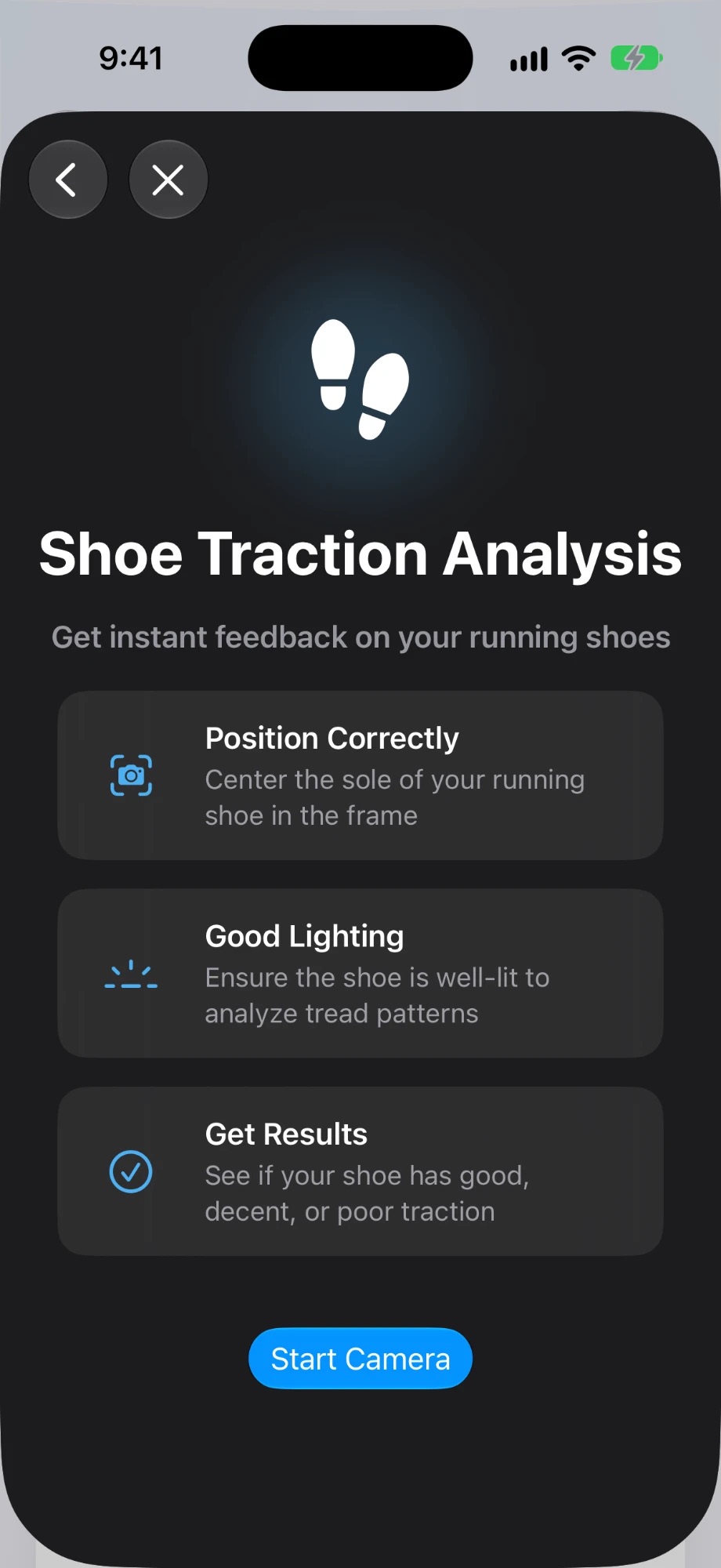
Traction analysis
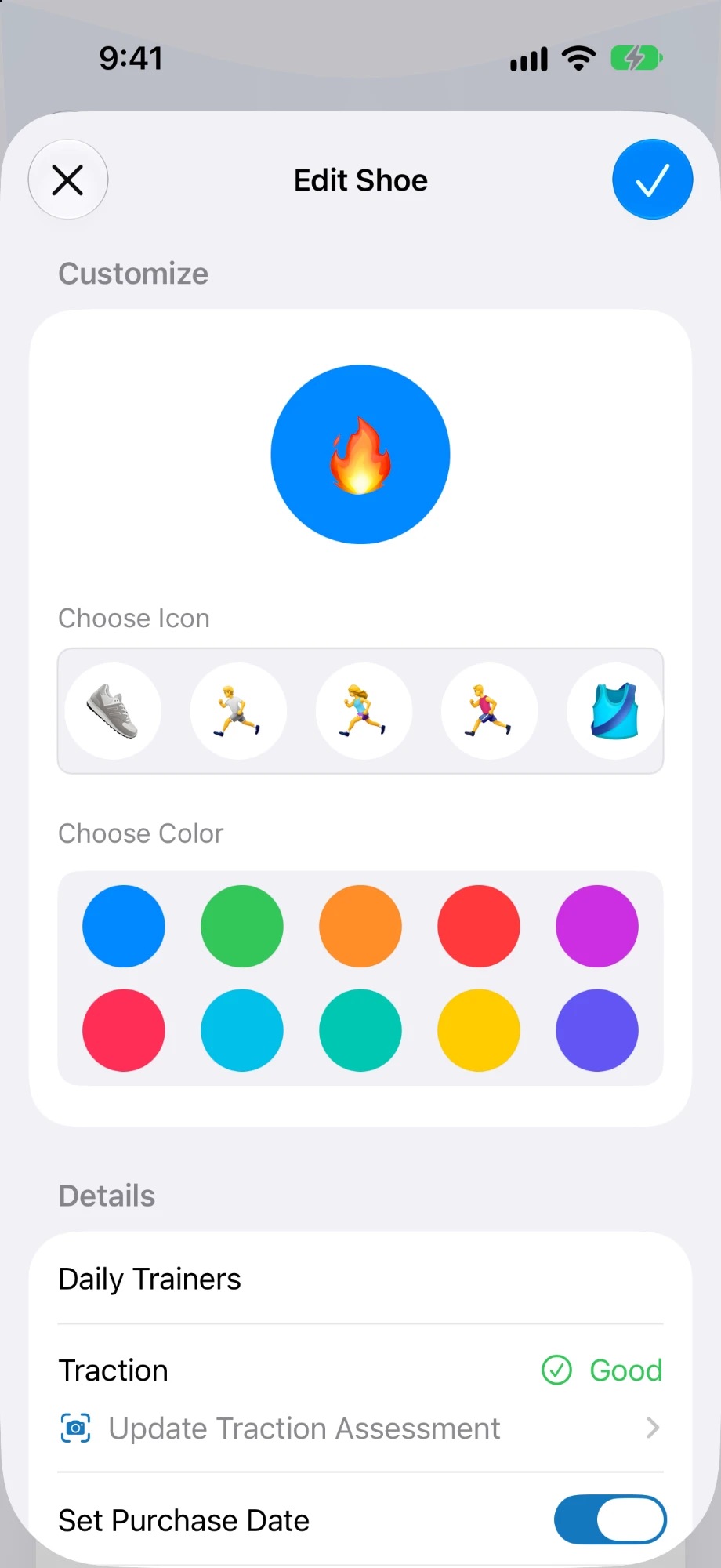
Snap a photo. Know your grip.
Snap a photo of your running shoes and let ShoePack do the work. Using on-device machine learning, it analyzes the traction of your shoe’s sole to give you instant feedback on its condition. Combined with your logged miles, you’ll know exactly when your shoes are strong and when it’s time to replace them.
Widgets
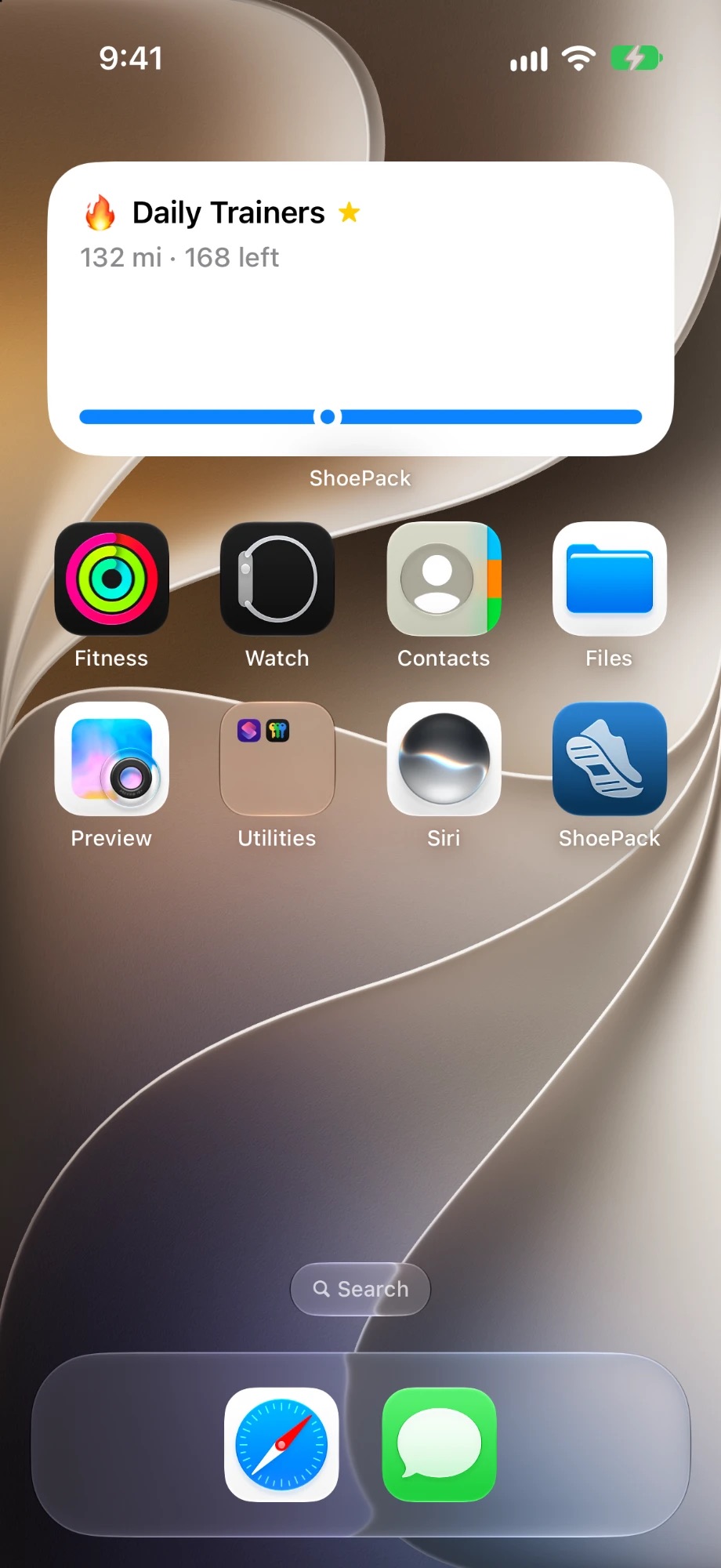
Your main pair, on your Home Screen.
Add the ShoePack widget to see your main pair’s miles and how many are left, without opening the app.
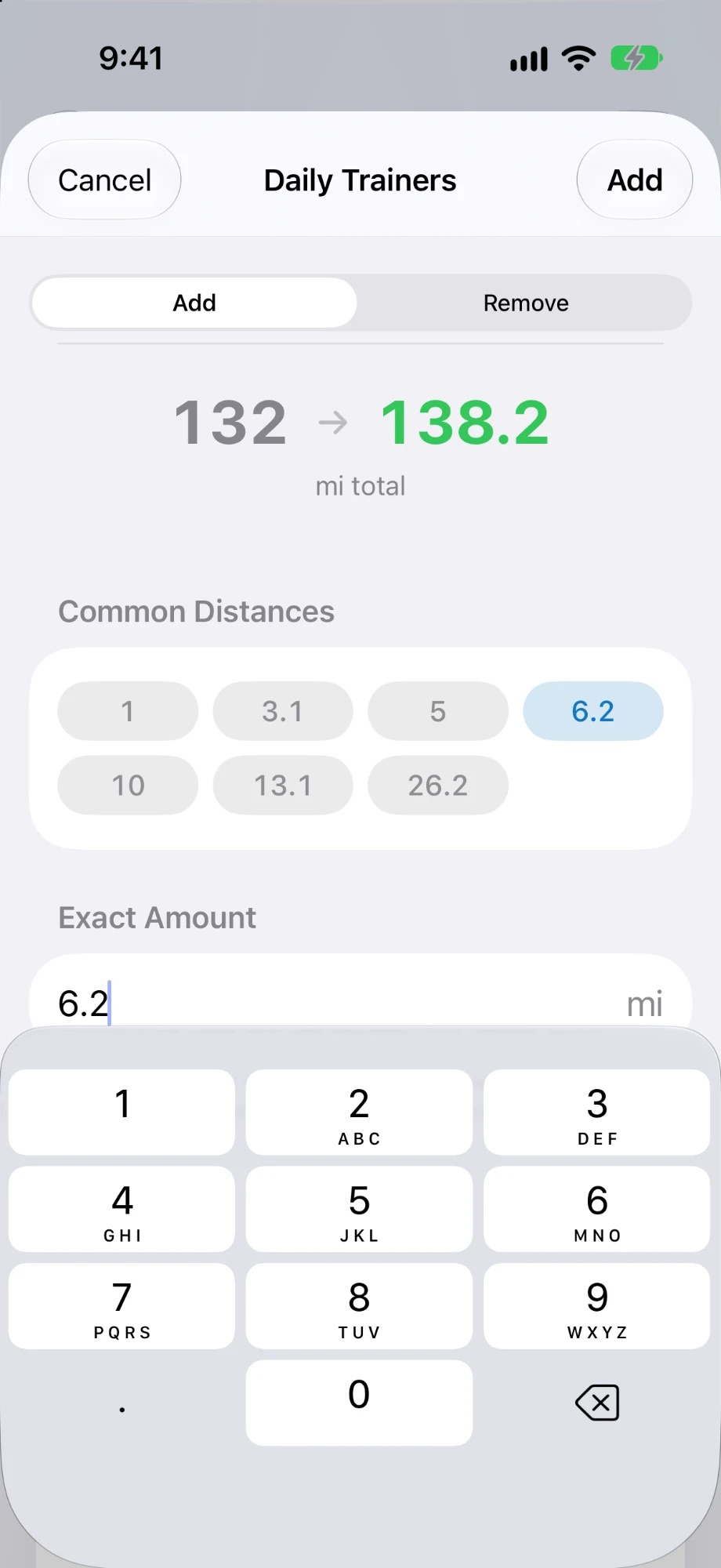
Adjust mileage
Fix a total in one tap.
Ran without your watch? Add or remove miles yourself. Tap a common distance like a 5K, 10K, half or full marathon, or type the exact amount, and see the new total before you save.
iPhone Duo
Made for iPhone Duo, too.
Your shoes and their details side by side on the bigger screen of iPhone Duo.
Support
Simple. Transparent. Accessible.
Find the app, contact support, or view privacy details.